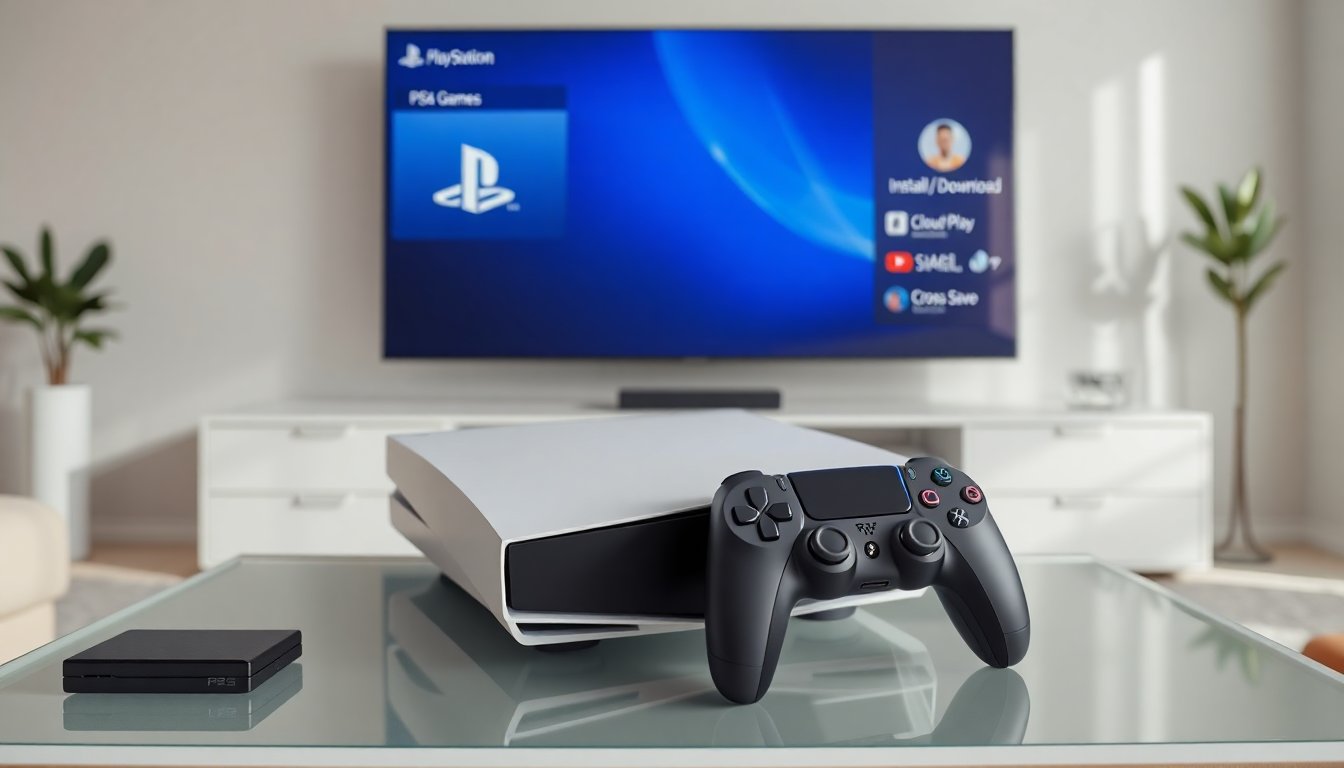
Can you play PlayStation 4 games on PlayStation 5 is a common question. The PS5 supports most PS4 software. Sony built the PS5 to run PS4 discs, digital purchases, and many backward-compatible titles. This guide explains how backward compatibility works, how to load PS4 games on PS5, and what exceptions and performance differences players should expect.
Key Takeaways
- You can play most PlayStation 4 games on PlayStation 5 using discs, digital downloads, or cloud streaming through PlayStation Plus.
- The PS5 installs PS4 game data to its SSD for faster loading and may improve performance on supported titles, sometimes with special PS5 patches.
- Backward compatibility includes support for many PS4 accessories like DualShock 4 controllers, though some features may vary with the DualSense.
- Certain PS4 games require patches or are unsupported on PS5, so always check Sony’s compatibility list and game-specific notes before playing.
- You cannot use PS4 discs on the PS5 Digital Edition, and some online multiplayer features may not be available due to server shutdowns or developer restrictions.
- If issues arise with installing or running PS4 games on PS5, updating system software, checking account status, or rebuilding the database can help resolve these problems.
Overview: How Backward Compatibility Works On PS5
Sony designed the PS5 to accept PlayStation 4 games broadly. The PS5 uses hardware and firmware that run PS4 titles without major changes. When a user inserts a PS4 disc into a PS5 with a disc drive, the PS5 reads the disc and installs the game data to the internal SSD. When a user downloads a PS4 digital purchase, the PS5 checks the user account and unlocks the game for play.
Sony maintains a compatibility list that shows titles that need patches or that do not work. The company tested thousands of PS4 games and marked a small set as unsupported. When a title needs a patch, Sony or the developer issues an update to improve stability or to enable performance on PS5 hardware.
Backward compatibility also covers many PS4 accessories. DualShock 4 controllers work with PS4 games on PS5. The PS5 DualSense controller works with PS4 games but developers can choose to limit features. External storage that held PS4 games will still store and run those games when connected to PS5. The PS5 does not run PS3, PS2, or PS1 discs natively, but Sony offers cloud and re-release options for older generation titles.
How To Play PS4 Games On PS5 — Discs, Digital Purchases, And Cloud
A player can play PS4 games on PS5 in three main ways: disc, digital library, and cloud streaming. The steps differ by method.
Disc method:
- A player inserts a PS4 disc into a PS5 with a disc drive.
- The PS5 recognizes the disc and prompts for installation.
- The player installs the game and updates any required patches.
- The player launches the game from the PS5 home screen.
Digital purchases:
- A player signs into the same PlayStation Network account on PS5.
- The PS5 shows purchased PS4 titles in the Game Library.
- The player downloads the game and installs updates.
- The player launches the title and plays.
Cloud streaming (PlayStation Plus Extra/Deluxe):
- A subscriber opens the cloud catalog on PS5.
- The player selects a PS4 game that offers cloud play.
- The PS5 streams the game from Sony servers and the player controls it in real time.
Cross-save and progression:
- Developers decide whether to support cross-save between PS4 and PS5.
- A player uploads a save file from PS4 to cloud storage or transfers it via local network when the developer supports it.
- The player downloads the save on PS5 and continues play.
Backward compatibility limits:
- A player cannot use PS4 discs on a PS5 Digital Edition model.
- A player may need to download a PS4 to PS5 patch for optimized performance.
- Some multiplayer features may require updated servers or separate PS5 installs.
Exceptions, Performance Differences, And Troubleshooting Tips
Most PS4 games run on PS5, but exceptions exist. A player may find a small number of titles that fail to launch. Developers may withdraw support for some features. Sony lists unsupported games and updates that developers provide.
Performance differences:
- Many PS4 games run faster on PS5 due to the SSD and faster CPU.
- A player may see reduced loading times and higher frame rates for supported titles.
- Some games receive a dedicated PS5 patch that adds higher resolution modes or stable frame rates.
- A player should check game pages for a PS5 patch note before expecting visual upgrades.
Visual and input changes:
- The DualSense may not supply advanced haptic feedback for PS4 titles.
- A player who uses DualShock 4 will likely see the same feel as on PS4 for those titles.
- A player may notice minor glitches in UI scale or text rendering on rare titles.
Troubleshooting tips:
- If a PS4 game will not install, a player should check system software updates on PS5 and install them.
- If a saved game fails to sync, a player should ensure the PlayStation Network account is active and cloud saves are enabled.
- If performance is poor, a player should check for a game patch and then try rebuilding the PS5 database in Safe Mode.
- If a disc will not read, a player should clean the disc or test it on a PS4 to confirm disc health.
Developer notes and online features:
- A player should expect that some older online services may be shut down. Developers may end multiplayer servers that the PS5 cannot restore.
- A player should check official support pages for major titles before purchase to confirm multiplayer status.
Final compatibility reminders:
- A player who asks can play PlayStation 4 games on PlayStation 5 in most cases. A player should verify game-specific notes for the best experience.