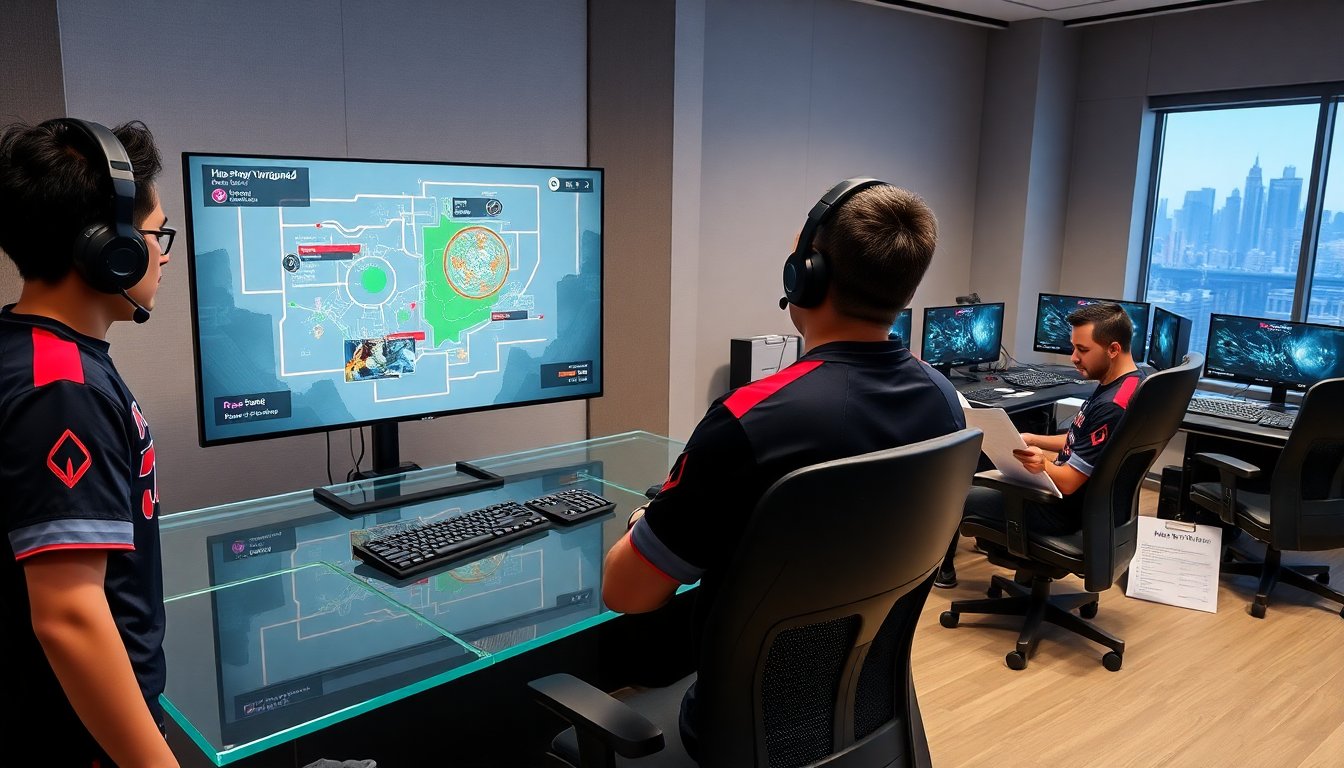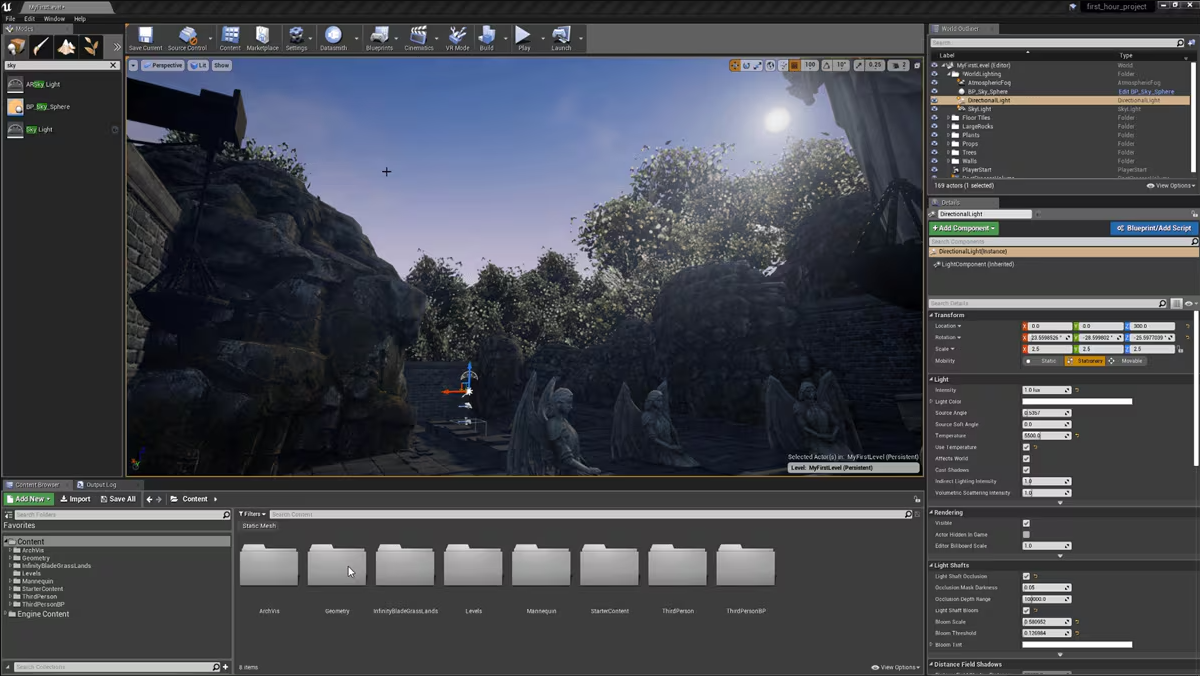
Developers stare at their screens, frustrated. The game looks decent, but not breathtaking. Textures appear flat, lighting feels artificial, and the overall visual quality falls short of the stunning demos everyone’s seen online. This gap between potential and reality haunts countless development teams working with powerful tools but lacking the knowledge to unlock their full capabilities.
According to statistics, Unreal Engine-powered games accounted for 31% of all revenue on Steam in 2024, making it the single biggest game engine by sales. This dominance stems from its unmatched ability to deliver stunning graphics that captivate players. However, achieving these results requires understanding how to properly leverage the engine’s advanced features rather than relying on default settings.
Understanding Unreal Engine’s Graphics Foundation
Core Rendering Architecture
Unreal Engine for game development stands apart through its sophisticated rendering pipeline designed for modern hardware. The engine processes millions of polygons while maintaining smooth performance through intelligent optimization systems that handle heavy graphical workloads. Understanding this foundation helps developers make informed decisions about asset creation and scene design.
The rendering system operates on multiple levels simultaneously, managing geometry, materials, lighting, and post-processing effects in coordinated fashion. Each component influences others, creating complex interactions that demand strategic optimization. Developers who grasp these relationships can push visual quality higher while maintaining acceptable frame rates.
Material System Mastery
Materials form the foundation of convincing graphics. Unreal’s node-based material editor provides tremendous flexibility for creating realistic surfaces, but this power requires proper technique. Physical-based rendering principles ensure materials react to light naturally, mimicking real-world physics that players subconsciously recognize.
Creating effective materials means understanding how roughness, metallic properties, and normal maps work together. Surface detail emerges from careful layering of textures that define how light scatters across different materials. Shiny metals behave differently than rough wood, and the material system captures these distinctions through precise parameter control.
Lighting Techniques for Photorealism
Lumen Global Illumination
Lumen represents a breakthrough in real-time global illumination, calculating how light bounces throughout environments. This dynamic system eliminates the need for pre-baked lighting in many scenarios, allowing designers to iterate quickly while maintaining stunning visual quality. Light naturally reflects off surfaces, creating indirect illumination that adds depth and realism to scenes.
The system excels in medium to large-scale environments where indirect lighting dramatically improves visual quality. However, developers must balance quality settings against target frame rates, particularly on less powerful hardware.
Strategic Light Placement
Even with advanced systems like Lumen, thoughtful light placement remains crucial. Lighting serves dual purposes—creating visual appeal while guiding player attention.
Essential lighting principles include:
- Establishing clear light sources that feel motivated by the environment
- Varying light intensity and color temperature to create visual interest
- Using shadows strategically to add depth and drama to scenes
- Balancing ambient occlusion to ground objects convincingly in space
Leveraging Nanite Virtualized Geometry
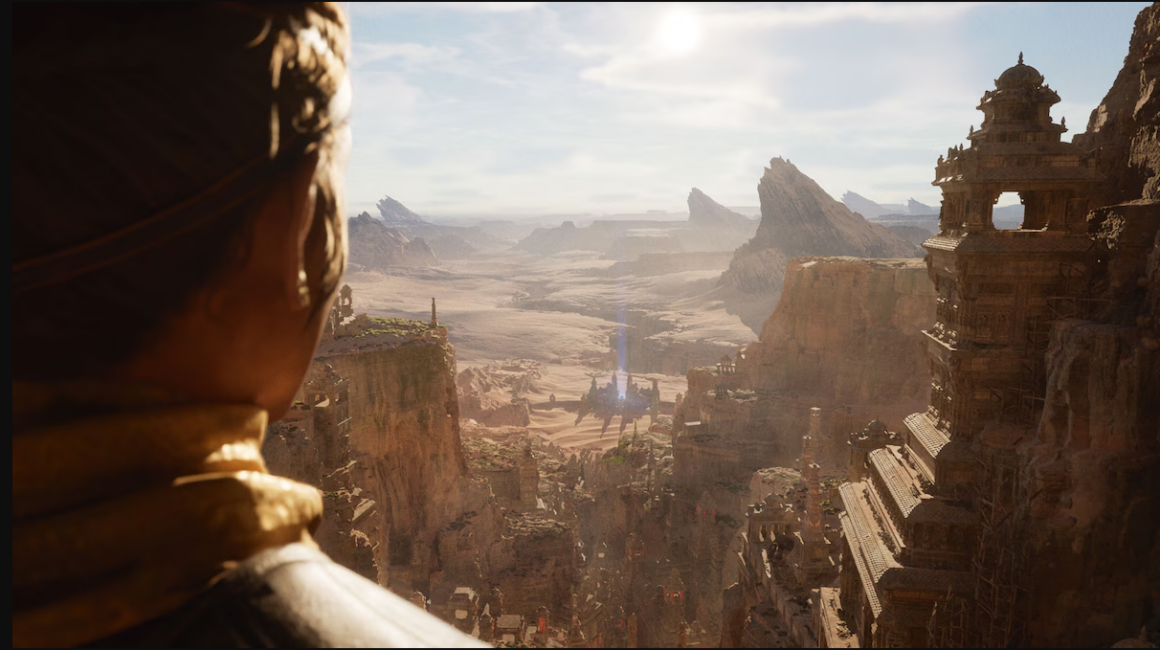
Nanite technology fundamentally changes how developers approach geometric detail. This virtualized geometry system allows importing film-quality assets directly into games without manual LOD creation. The engine automatically manages polygon count based on screen space, displaying only necessary detail for each frame. Environments can feature unprecedented geometric complexity—rocks display every crack, architecture maintains fine detail in close-ups, and organic shapes retain smooth curves.
While Nanite handles detail automatically, developers still need strategic approaches for maximum benefit. High-polygon source assets yield best results, making sculpting tools and photogrammetry valuable in asset creation pipelines. Not every asset benefits equally from Nanite. Static environmental elements see the greatest improvement, while animated characters may perform better with traditional LOD systems.
Post-Processing Effects That Matter
Color Grading and Tone Mapping
Color grading transforms raw renders into cinematic images with distinct visual character. The post-process volume system provides comprehensive control over color correction, allowing developers to establish unique aesthetics that reinforce game themes. Warm color palettes create inviting atmospheres, while cooler tones suggest tension. Contrast adjustments guide attention, and saturation choices influence emotional response.
Depth of Field and Motion Blur
Cinematic depth of field mimics camera behavior, focusing attention on important elements while softly blurring backgrounds. This technique adds production value and guides player eyes toward gameplay-relevant information. Motion blur adds fluidity to movement and enhances perceived frame rate. However, balance proves essential—excessive effects can frustrate players, so providing options respects different preferences.
Performance Optimization Without Visual Sacrifice
Intelligent Asset Management
Achieving stunning graphics while maintaining performance requires strategic resource management. Texture streaming systems load high-resolution textures only when needed, conserving memory without visible quality loss. Level of detail systems transition between complexity levels based on distance, preserving detail where players notice while optimizing distant geometry.
| Optimization Technique | Visual Impact | Performance Gain | Best Use Cases |
| Texture Streaming | Minimal to none | High memory savings | Large open worlds with varied environments |
| Nanite LOD Automation | Maintains geometric detail | Significant GPU efficiency | Static environmental assets with complex geometry |
| Lumen Quality Scaling | Slight to moderate | Variable based on settings | Balancing quality across different hardware tiers |
| Culling Systems | Invisible to player | Major rendering savings | Dense environments with many objects |
| Material Instance Optimization | None when done correctly | Reduced shader complexity | Reusable materials with parameter variations |
Profiling and Targeting Bottlenecks
Professional developers rely on Unreal’s profiling tools to identify performance issues before they impact players. GPU and CPU profilers reveal which systems consume excessive resources, allowing targeted optimization that preserves visual quality while improving frame rates. Understanding these metrics separates guesswork from informed decision-making.
Common bottlenecks include draw calls from excessive unique materials, overdraw from overlapping transparent surfaces, and lighting complexity from too many dynamic lights. Addressing these specific issues yields better results than blanket quality reductions that diminish the overall visual experience.
Advanced Material Techniques
Layered Materials and Blending
Complex surfaces rarely consist of single materials. Dirt accumulates in crevices, paint chips expose underlying metal, and moss grows on aged stone. Layered material systems capture this complexity through vertex painting and texture-based blending. A single master material can represent clean surfaces, weathered versions, and transitional states through parameter adjustments, allowing visual variety without excessive memory consumption.
Parallax Occlusion Mapping
Adding depth to flat surfaces dramatically improves perceived detail. Parallax occlusion mapping creates the illusion of geometric detail through shader techniques that offset textures based on viewing angle. This technique provides geometric complexity without polygon cost, though it requires careful tuning to avoid artifacts at extreme angles.
Working with Unreal Engine Development Services
Professional Implementation Advantages
Many studios leverage unreal engine development services to accelerate their graphics pipeline. Experienced specialists bring deep knowledge of advanced features, helping teams avoid common pitfalls while implementing cutting-edge techniques. This expertise proves valuable when projects demand visual quality that exceeds internal capabilities.
Professional services often maintain libraries of optimized materials, lighting setups, and post-processing configurations refined across multiple projects. This accumulated knowledge shortens development cycles and ensures consistent quality. Teams benefit from proven workflows rather than experimenting through trial and error with limited production time.
Collaboration and Knowledge Transfer
Quality unreal engine development services don’t just deliver assets—they educate internal teams. This knowledge transfer ensures studios can maintain and iterate on delivered work while building internal expertise. Understanding the reasoning behind technical decisions empowers teams to make informed choices throughout development.
Effective collaboration requires clear communication about visual goals, performance targets, and technical constraints. When external specialists understand project context, they deliver solutions aligned with overall vision rather than isolated technical achievements that might not integrate well.
Editor Optimization and Future-Proofing
Real-Time Preview Quality
Unreal’s editor provides powerful real-time preview capabilities, but default settings often don’t represent final game quality. Configuring viewport settings to match target platform appearance ensures what developers see during creation matches what players experience. Scalability settings allow previewing how graphics perform across different hardware tiers, preventing surprises late in production.
Preparing for Next-Generation Hardware
Creating content that leverages current hardware capabilities while preparing for future improvements requires forward-thinking approaches. High-quality source assets scale upward as new hardware enables higher settings. Projects built around unreal engine for games benefit from Epic’s continued platform advancement. Investing in quality asset creation pays dividends over project lifespans, preventing graphics from feeling dated shortly after release.
Conclusion
Maximizing Unreal Engine’s full potential for stunning graphics requires more than technical knowledge—it demands artistic vision combined with systematic optimization. The engine provides extraordinary tools, but achieving photorealistic results depends on understanding how these systems interact and supporting hardware limitations while pushing creative boundaries.
Teams that master material systems, leverage advanced lighting techniques, optimize performance intelligently, and stay current with emerging capabilities position themselves for success. Whether building independently or partnering with experienced unreal engine development services, the path to stunning graphics combines technical excellence with artistic sensibility.
The difference between adequate graphics and truly stunning visuals often lies in attention to detail and willingness to invest time mastering the engine’s deeper capabilities. Players immediately recognize quality execution, and that recognition translates directly into engagement, positive reviews, and commercial success. In an industry where visual presentation significantly influences purchasing decisions, these skills become invaluable competitive advantages that separate memorable games from forgettable ones.

Wayne is a unique blend of gamer and coder, a character as colorful and complex as the worlds he explores and the programs he crafts. With a sharp wit and a knack for unraveling the most tangled lines of code, he navigates the realms of pixels and Python with equal enthusiasm. His stories aren’t just about victories and bugs; they’re about the journey, the unexpected laughs, and the shared triumphs. Wayne’s approach to gaming and programming isn’t just a hobby, it’s a way of life that encourages curiosity, persistence, and, above all, finding joy in every keystroke and every quest.